
How to Activate Your TaoMaxDavi PDF Editor v2.0 License
Follow this simple guide to activate the Full Edition of TaoMaxDavi PDF Editor v2.0 using your activation code.
1. Open TaoMaxDavi PDF Editor v2.0
Launch the application on your Windows computer.
2. Go to the Activation Panel
Inside the software:
- Open the Settings menu
- Select Activate Full Edition
- A field will appear where you can enter your activation code
3. Enter Your Activation Code
Copy and paste the activation code you received via email.
Make sure there are no extra spaces before or after the code.
>> Click Activate.
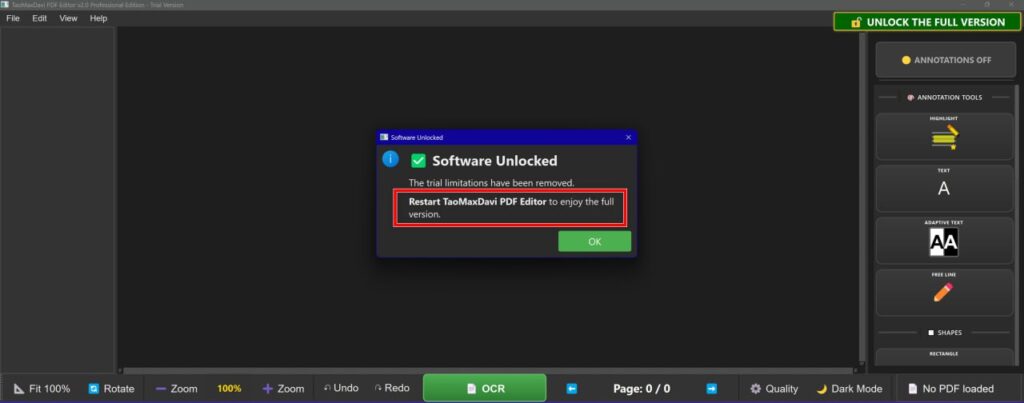
⚠️ IMPORTANT — READ CAREFULLY
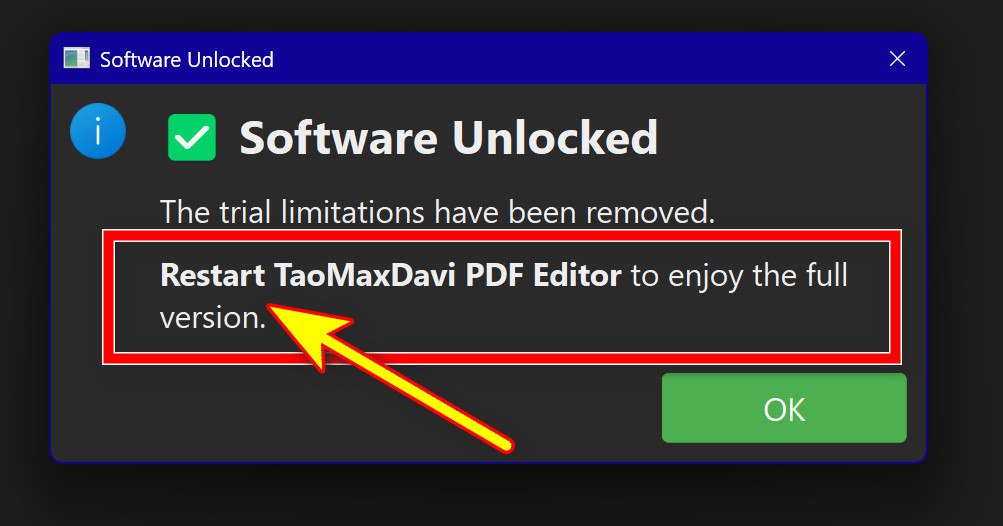
You MUST close and reopen the program for the activation to work.
This step is essential.
The license will NOT activate until you:
1. Close the program completely
(not minimized — fully closed)
2. Reopen the program
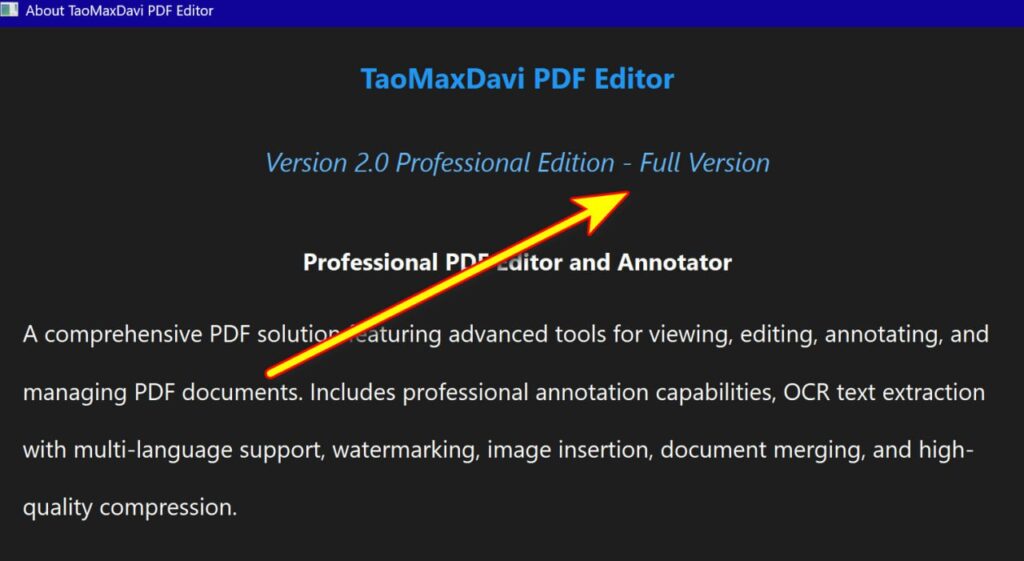
Only after restarting the software will the Full Edition be unlocked.
Need Help?
If you have any issues with activation, feel free to contact our support team.
We’re here to help you get started quickly.
⚠️ IMPORTANT — READ CAREFULLY
You MUST close and reopen the program for the activation to work.
This step is essential.
The license will NOT activate until you:
1. Close the program completely
(not minimized — fully closed)
2. Reopen the program
Only after restarting the software will the Full Edition be unlocked.